How do I upload an image to get an image link or URL?
Want to upload a specific image for use in your tracking page, notifications, or packing documents? EasyRoutes supports uploading a logo or image for display in each of these customer communications.
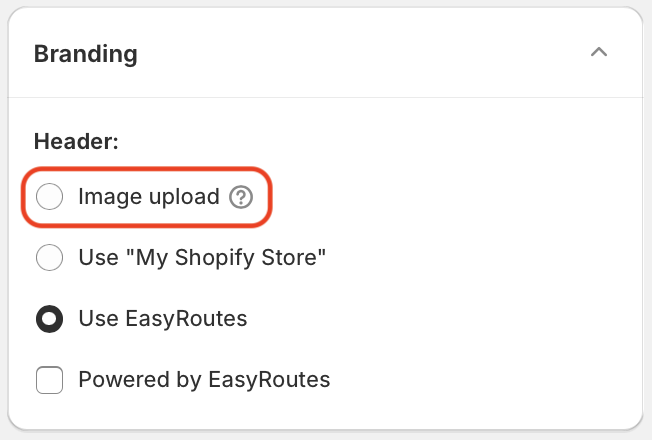
To include a logo or image, use the Image upload option within the Branding section shown below - this option is available from — and shared between — your EasyRoutes Settings, within the Customer Notifications, Order Tracking, and Packing Slips & Labels tabs, selecting the Customize button for any of these documents: