How am I being tracked?
You are being tracked in real time through the EasyRoutes Delivery Driver app while delivering routes. Here's how it works:
1. Real-Time Tracking Activation: Your employer enables real-time tracking in their EasyRoutes settings.
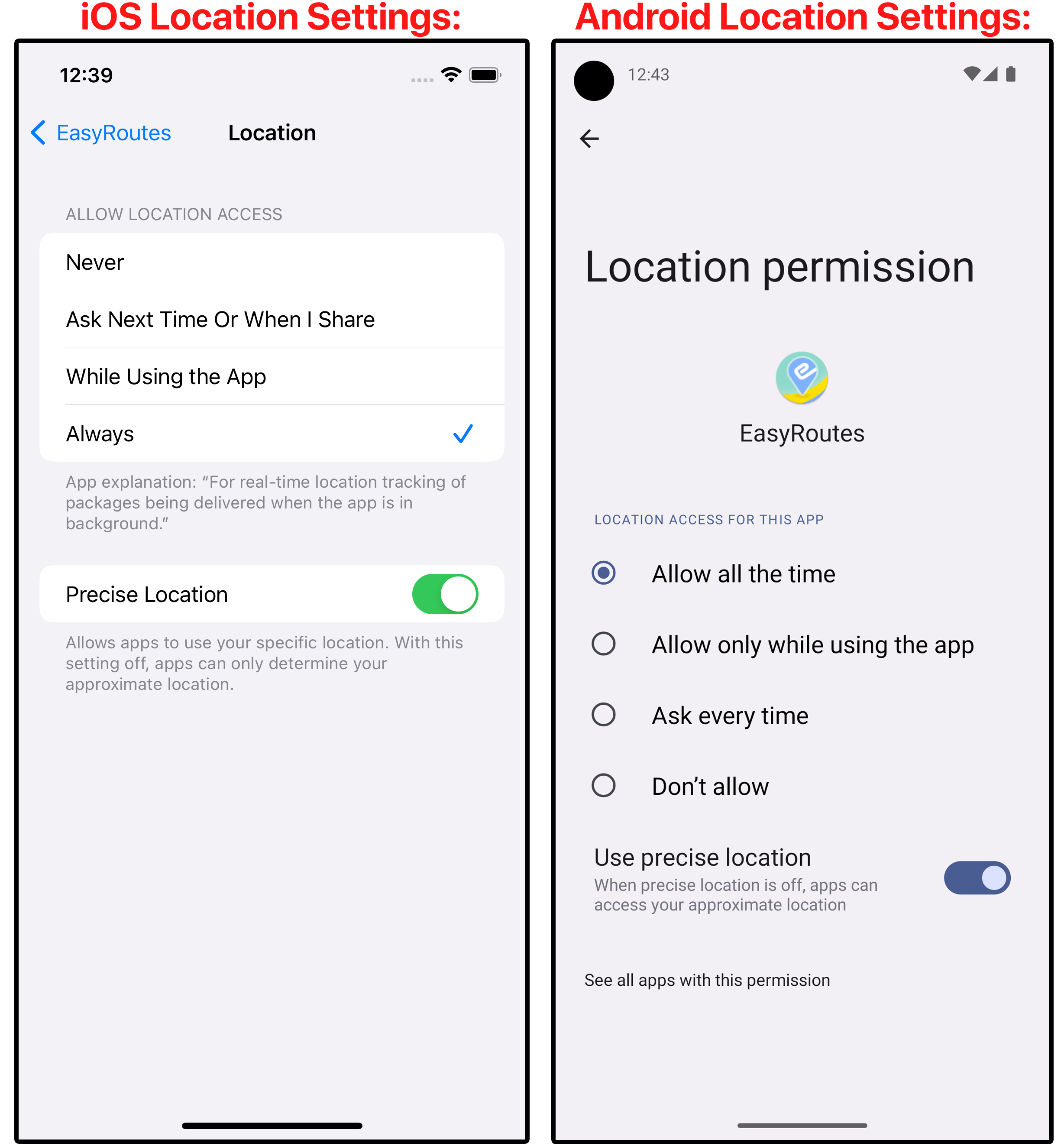
2. Location Permissions: You need to grant the app "Always" access to your location and enable "Precise Location" in your device settings (iOS/Android).
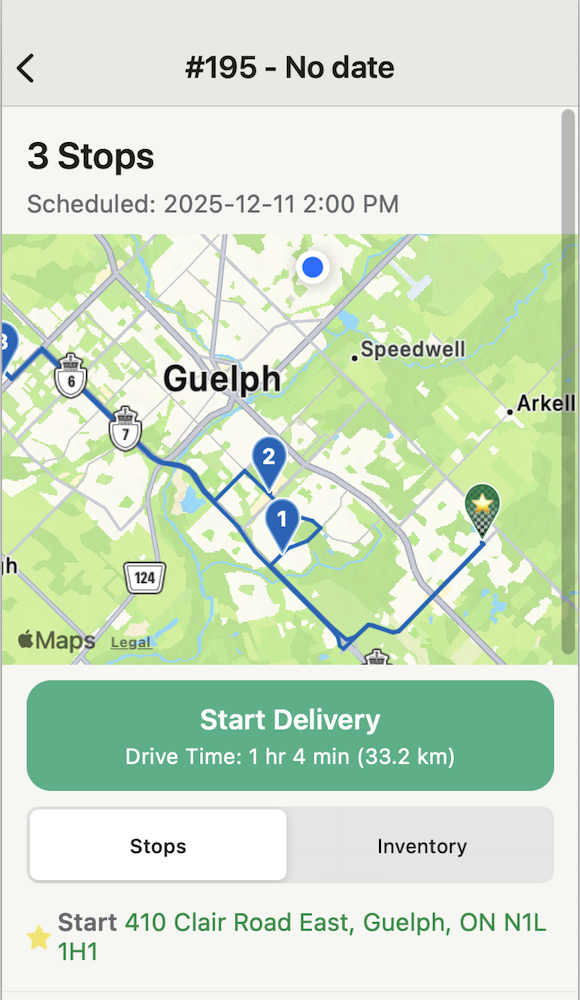
3. Route Start: Tracking begins when you start a route by clicking 'Start Delivery'.
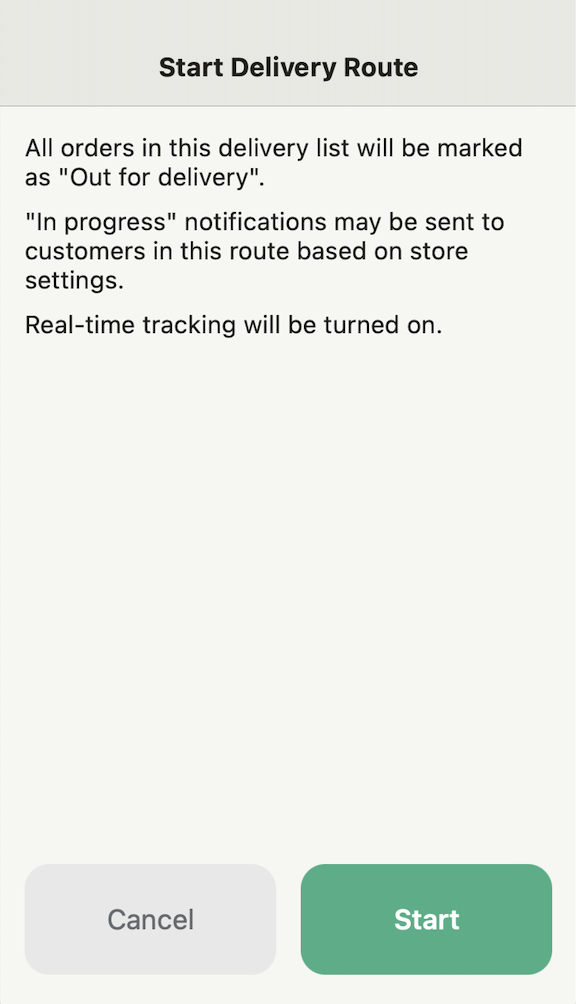
This will take you to a page that will start the delivery route and will turn on real-time tracking.
A blinking red dot in the top bar of the app indicates that tracking is now active.
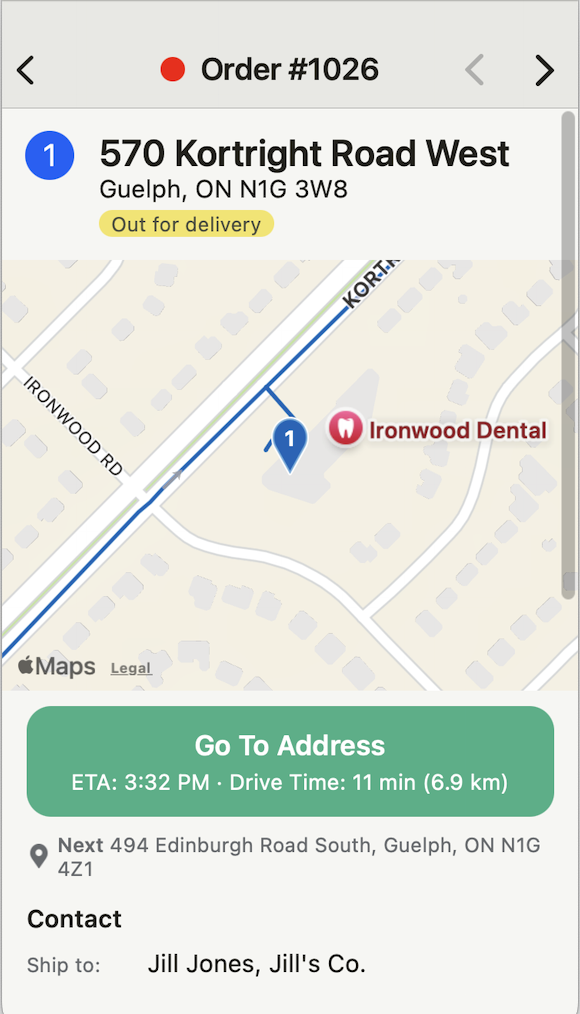
4. Updates: Your live location, past path, and stop completion updates are displayed in real-time on the route's tracking tab.
5. Customer Tracking: If enabled, customers may see your live location when you are 1–10 stops away from their delivery.
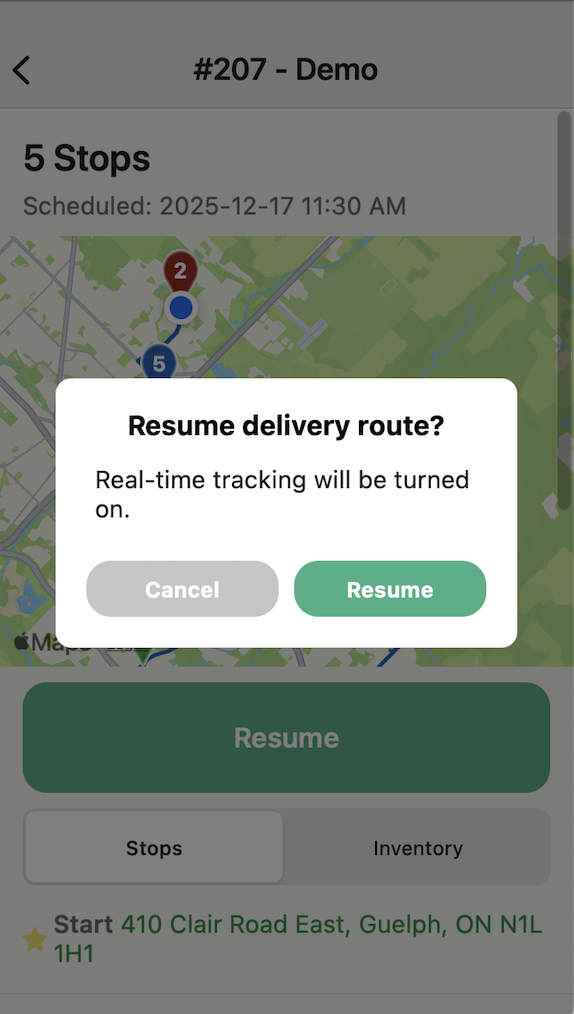
You can pause tracking by tapping "Stop Tracking" in the app, and resume it anytime during the route.
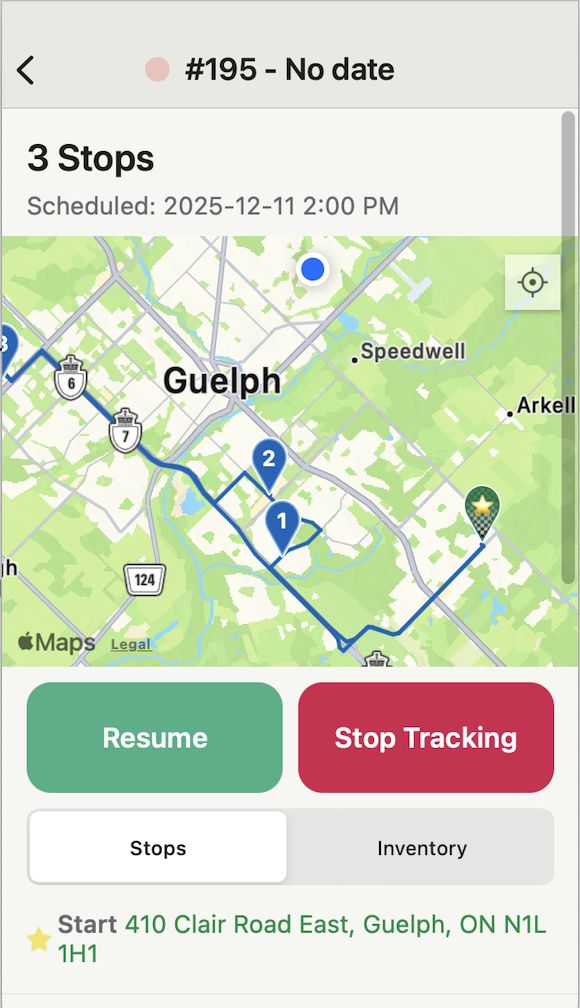
When you are ready to move forward with the delivery you will need to click the 'Resume' button.
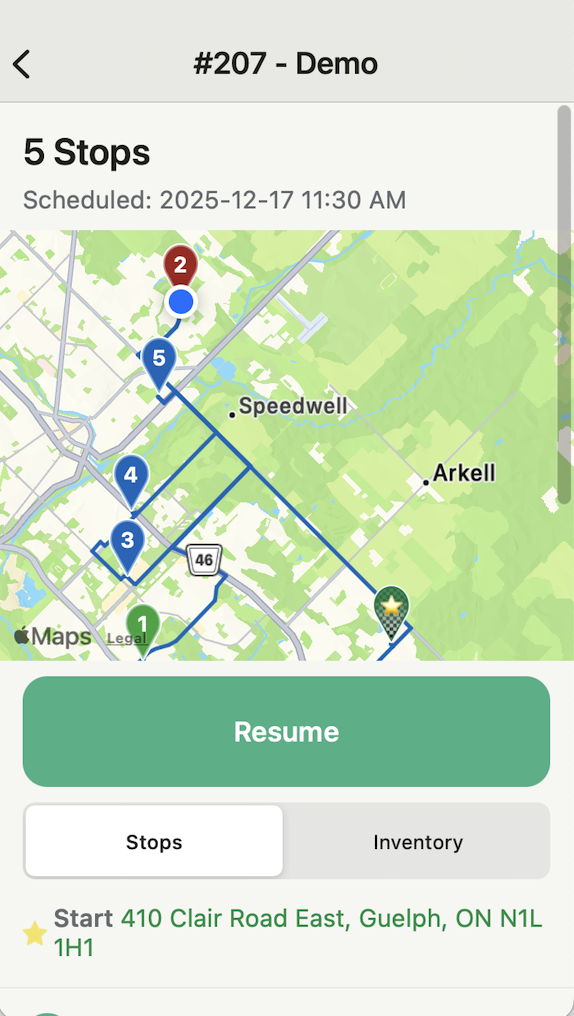
Real-time tracking will resume once you click 'Resume' and you can complete the rest of the route.